
Your account and bookings
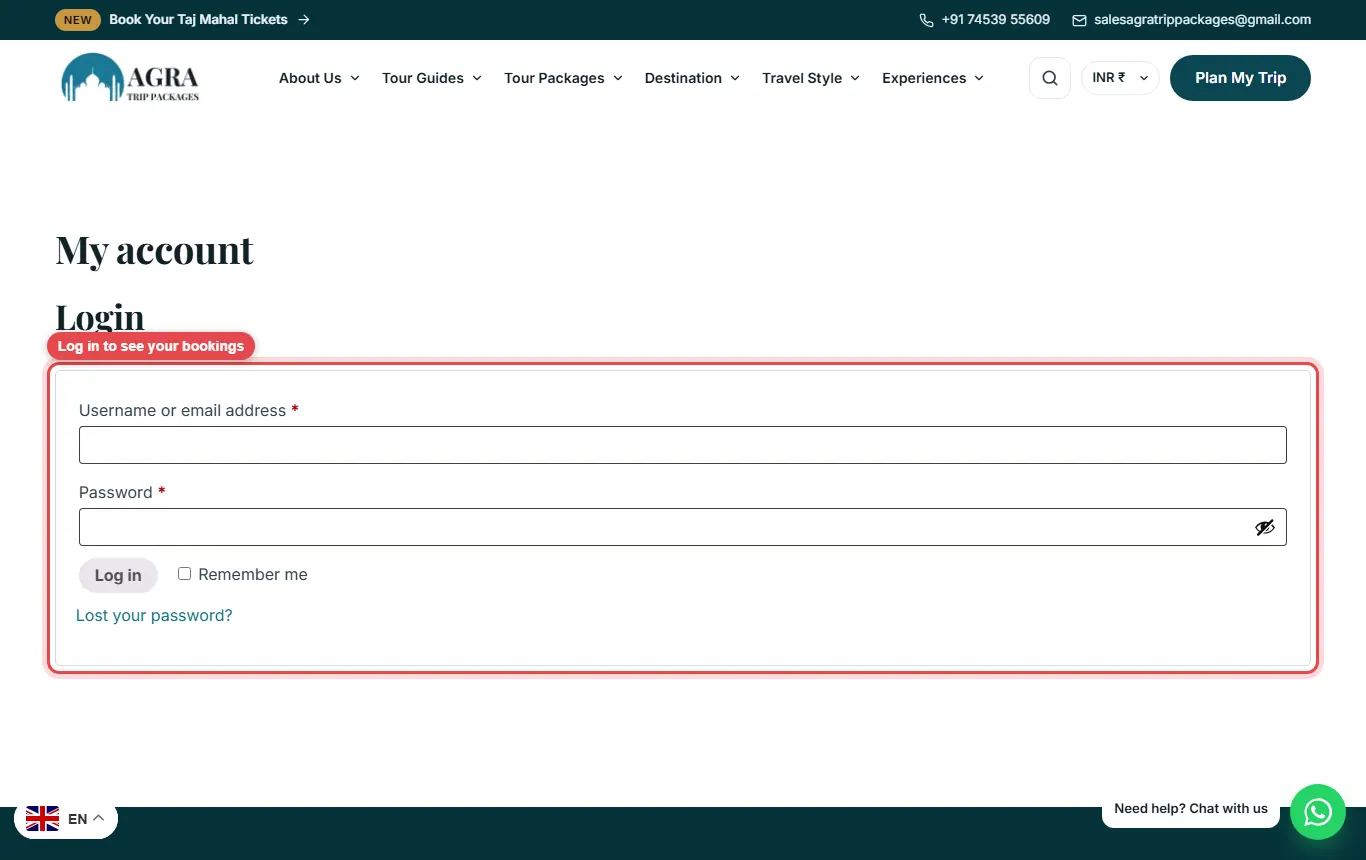
Log in to see your bookings, pay the balance and download your itinerary.
If you booked online, you can log in to My account to see your bookings.
In this guide
Log in
Go to My account and log in with your email and password. Use Lost your password? if you need a new one.
My bookings
Under My bookings you see each tour you booked with its payment status. For bookings with a balance due there is a pay balance link. You can download your itinerary PDF, and once your booking is paid you’ll see your guide’s contact details. Only your own bookings are shown.
Still need help? Message us on WhatsApp with the green button, or contact us.