Finding the right tour
Use the tour finder, the menus and the tour list pages with filters.
There are three quick ways to narrow down our tours: the tour finder on the home page, the menus, and the filters on every tour list page.
In this guide
Use the tour finder on the home page
The Find your India tour box on the home page has three drop-downs: destination, travel style and duration. Leave any of them on Any if you don’t mind.
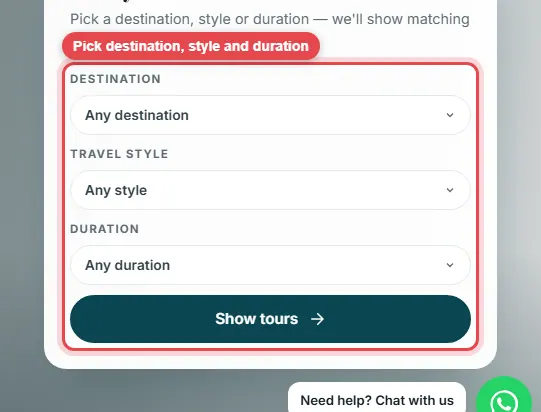
Choose and press Show tours
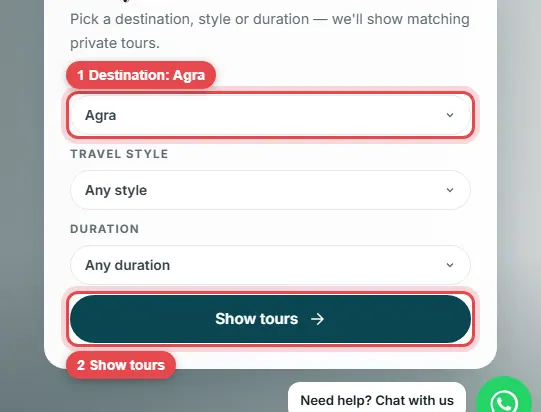
Pick what you want, for example Agra, then press Show tours.
See the matching tours
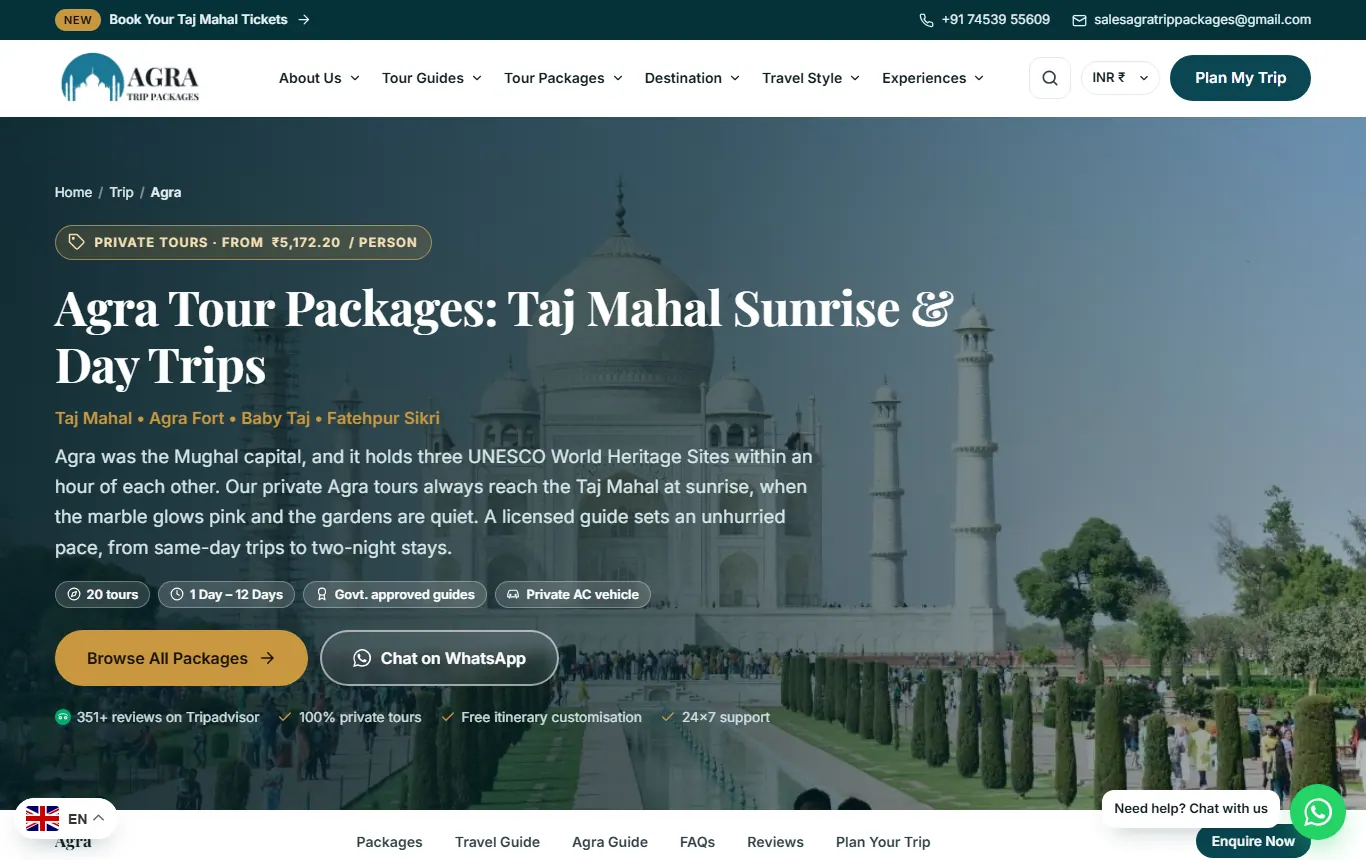
You land on a page with every tour that matches. Each card shows the duration, start city, guide, price per person and a Book Now button.
All tours and category pages
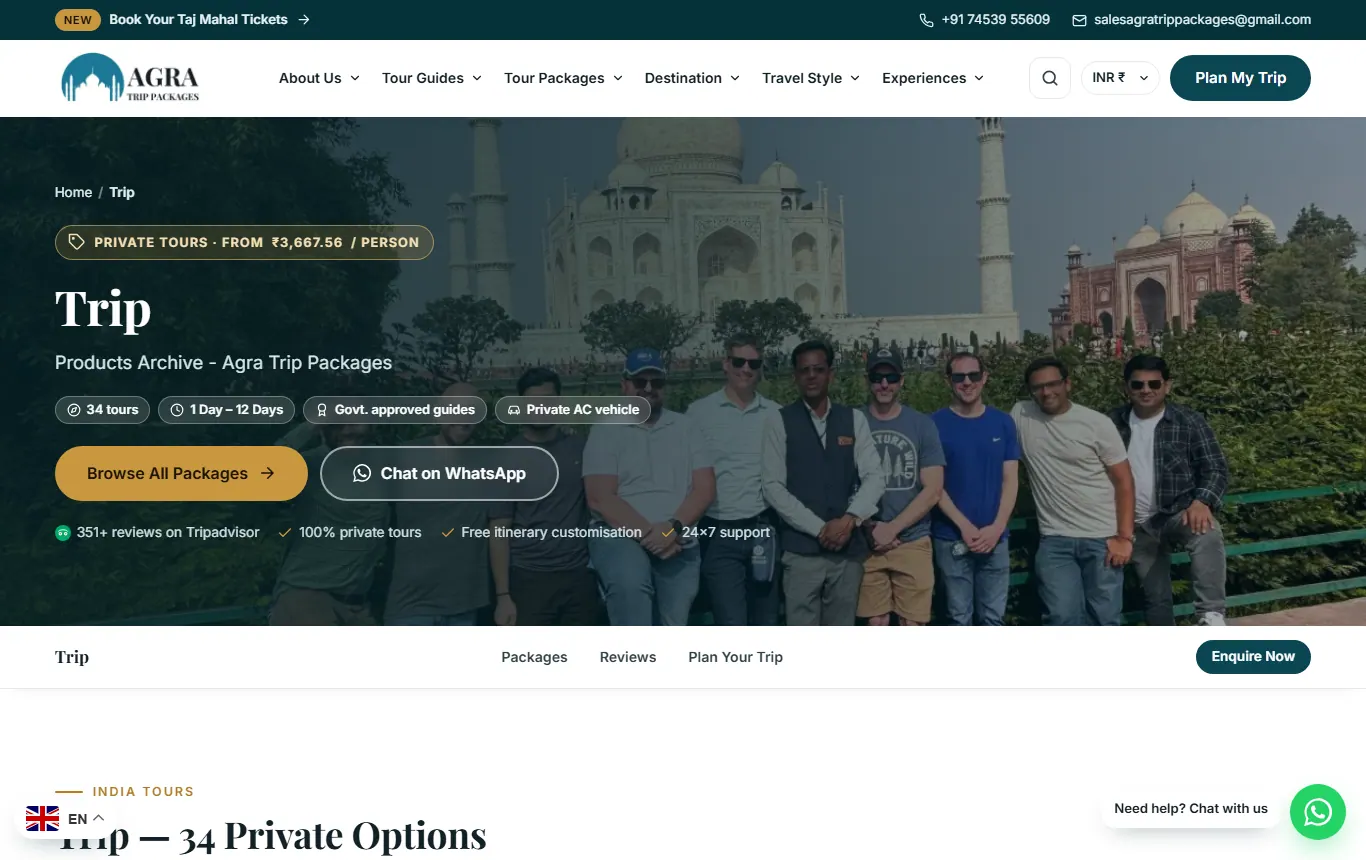
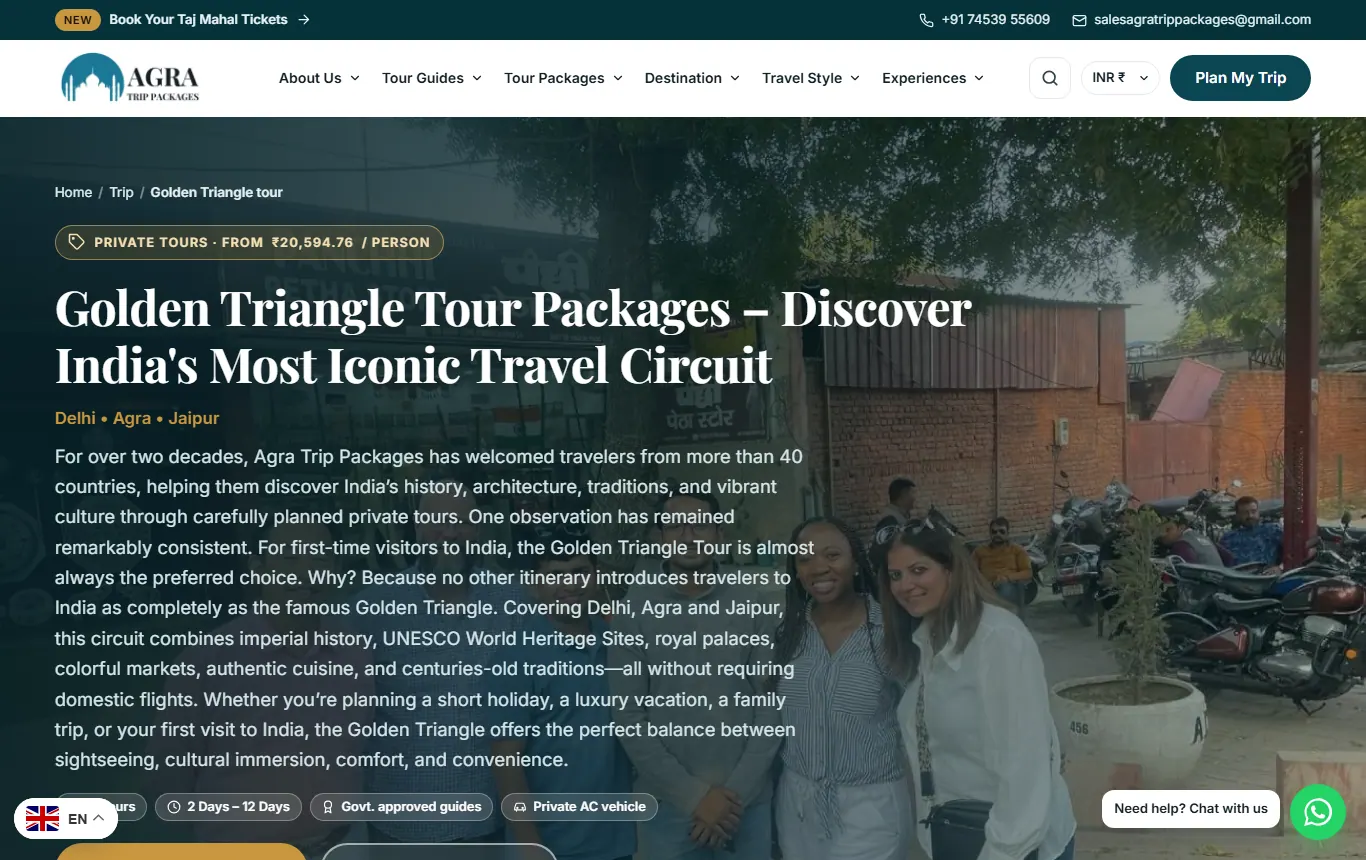
All India tours lists every tour. Category pages, such as Golden Triangle Tour, list only that kind of tour, with a short guide underneath.
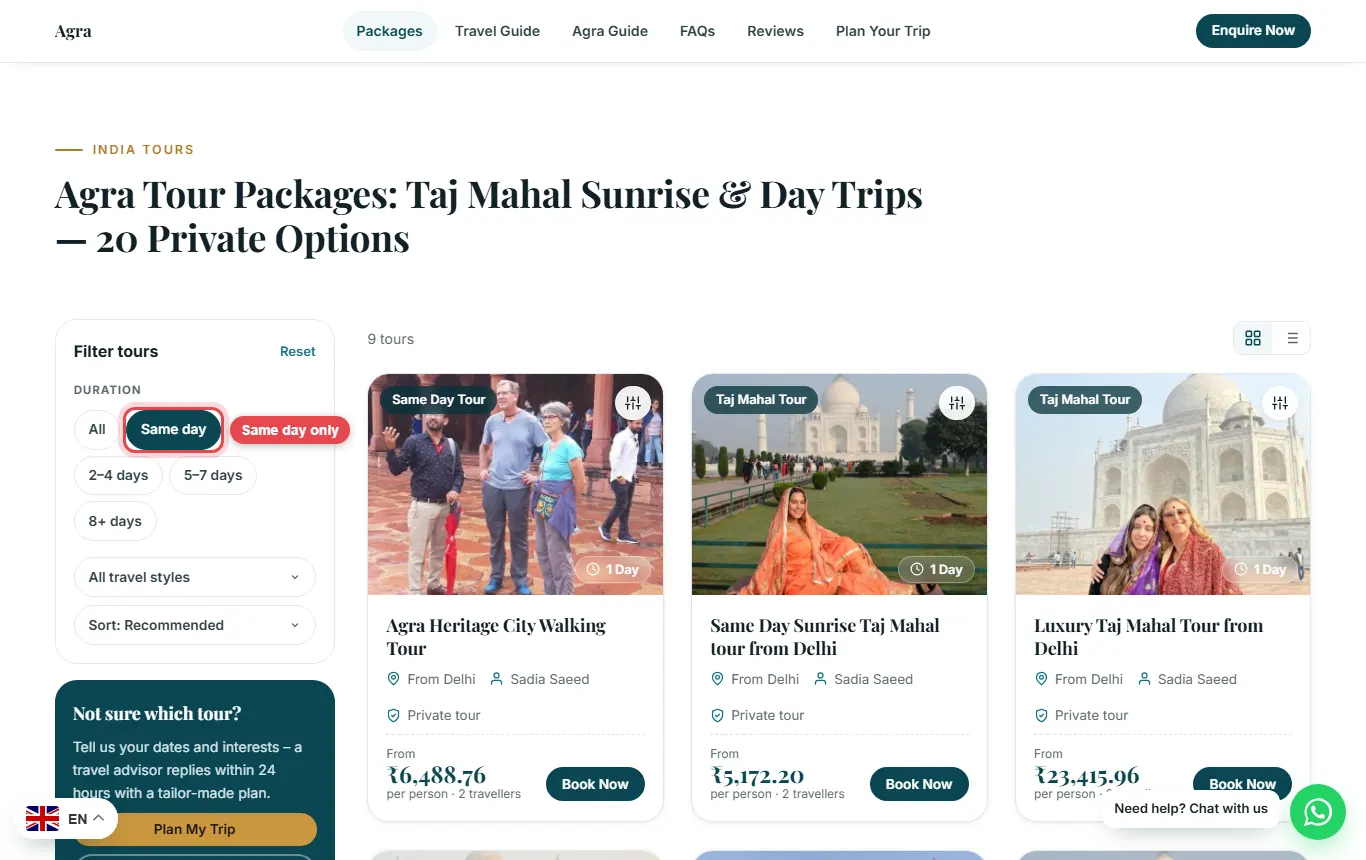
Filter by number of days
Destination and category pages have a Filter panel. Tap a duration, such as Same day, and the list updates at once. Press Reset to see everything again.