Getting around the website
The menu, the top bar, the footer and the buttons that follow you on every page.
Every page has the same header, footer and contact buttons. Learn them once and you can find anything on the site in a couple of clicks.
In this guide
The header at a glance
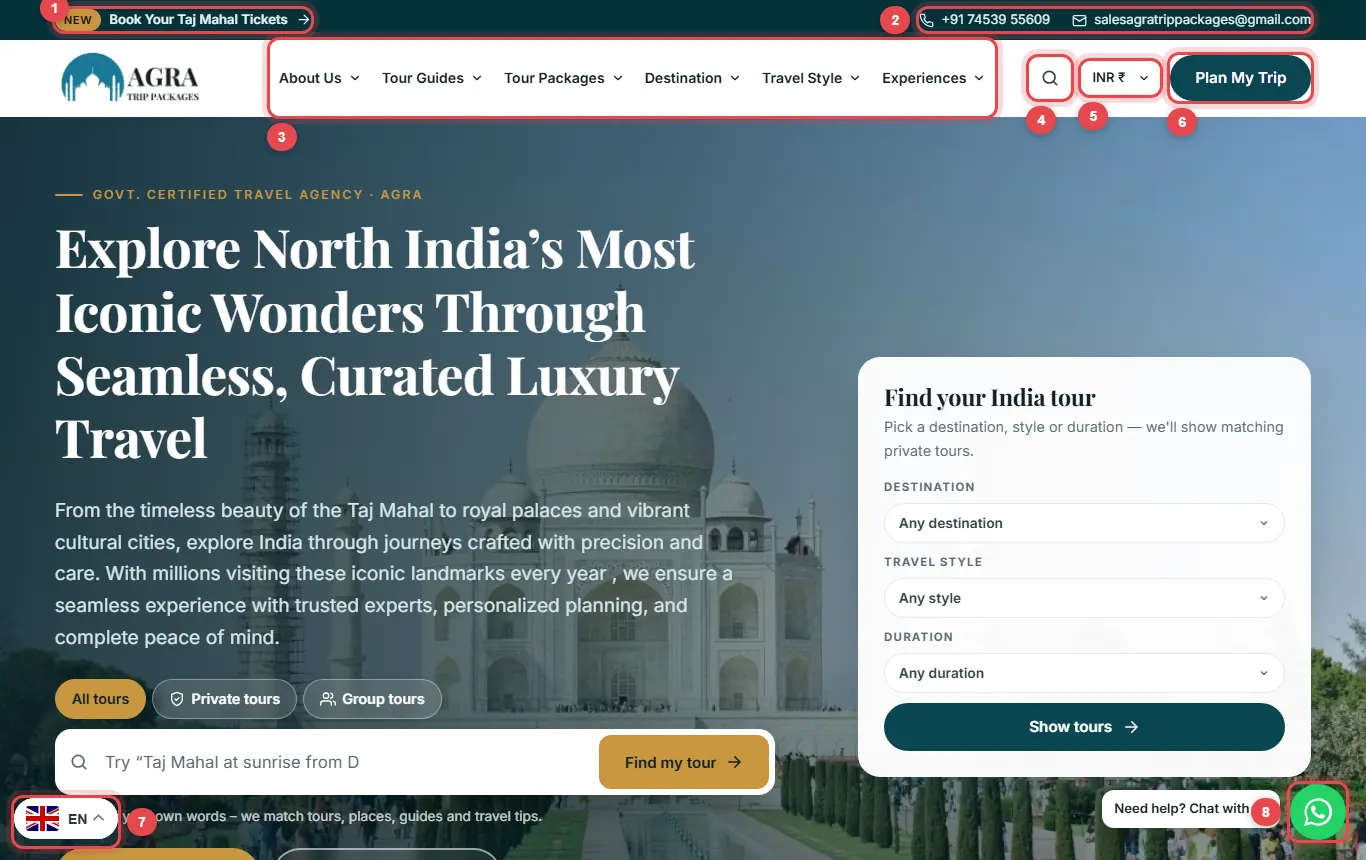
- Taj Mahal tickets: we book entry tickets for you.
- Call or email: our phone number and email, always one tap away.
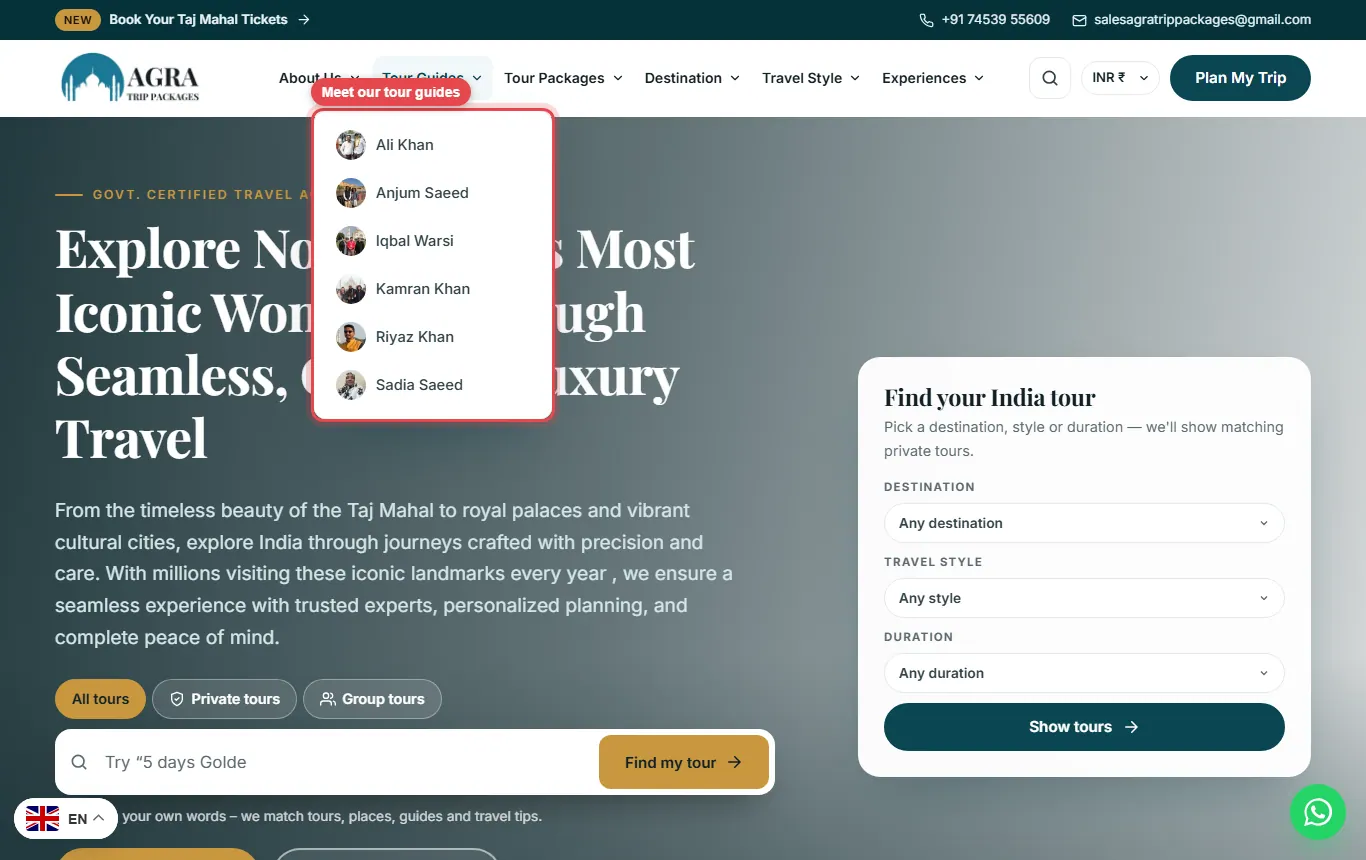
- Main menu: About Us, Tour Guides, Tour Packages, Destination, Travel Style and Experiences.
- Search: opens a search box on any page.
- Currency: shows every price in your currency.
- Plan My Trip: ask us to design a tour just for you.
- Language: read the site in your language.
- WhatsApp: chat with a local expert.
Tour Packages menu
Point at Tour Packages to open the large menu. Tours are grouped three ways: by category (the number shows how many tours are in it), by number of days, and by the city the tour starts from. The picture on the right is a featured tour.

Destination, Travel Style and Experiences
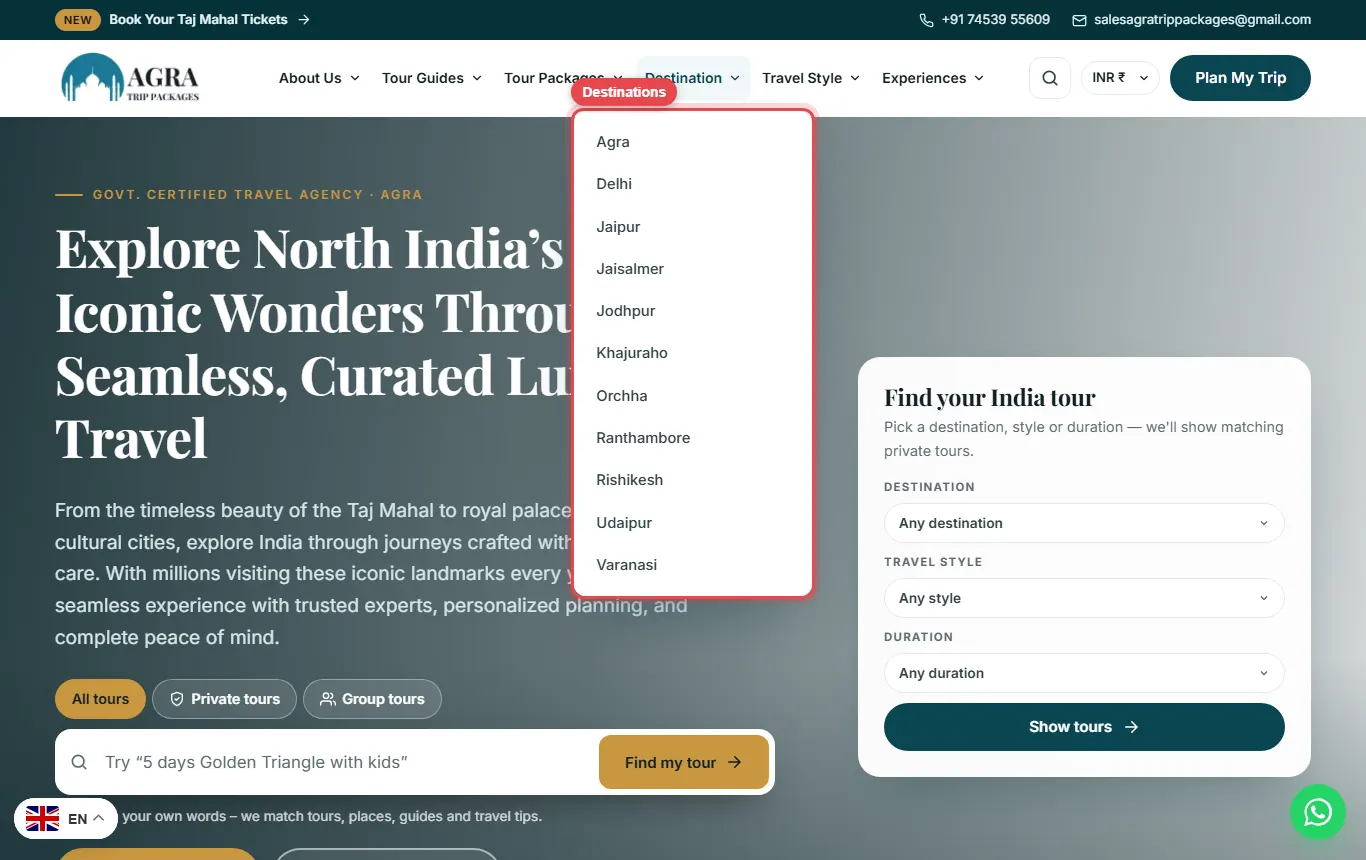
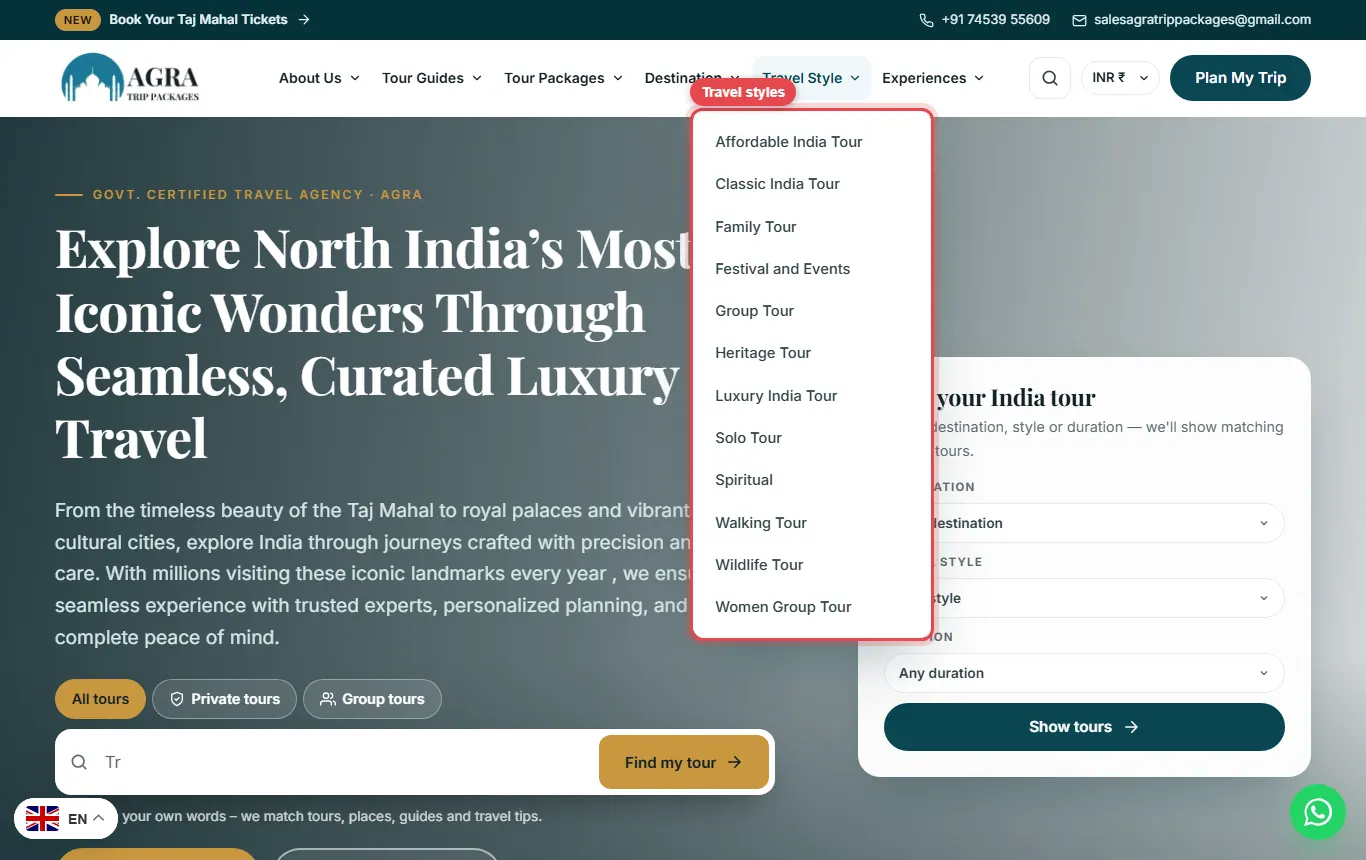
Destination lists the cities we cover. Travel Style groups tours by the kind of trip, such as Family, Luxury, Solo or Women Group Tour. Experiences shows activities like boat rides, heritage walks and yoga.
Tour Guides menu
Tour Guides lists our licensed guides. Open a name to see the guide’s profile, languages, experience and the tours they lead.
The footer
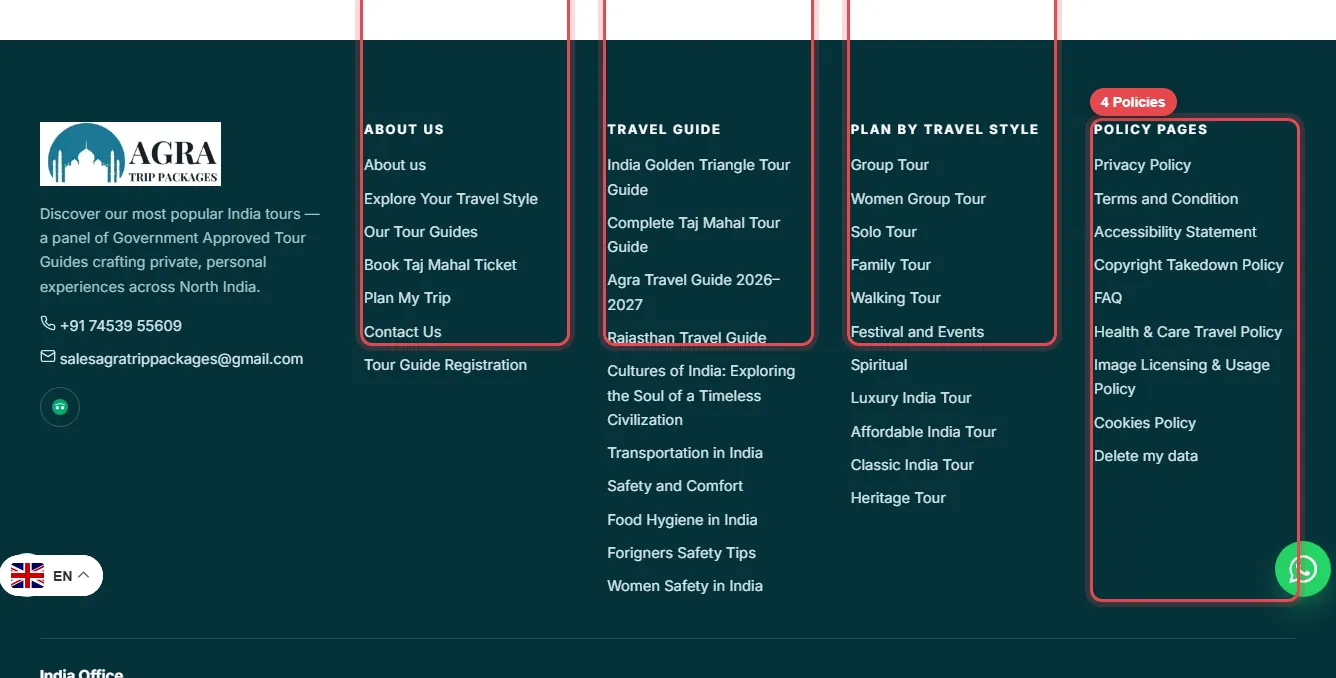
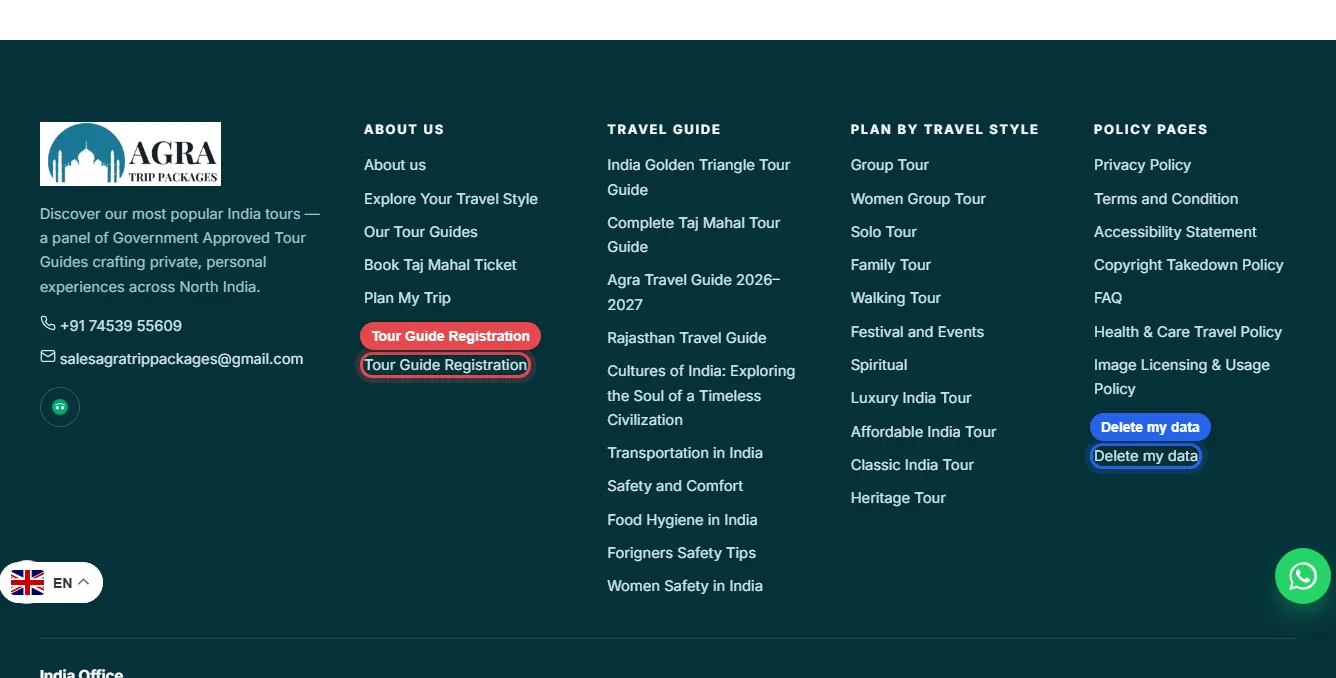
Scroll to the bottom of any page for the footer. It has four columns: 1 About us and useful pages, 2 travel guides, 3 tours by travel style and 4 our policies. Two links worth knowing: Tour Guide Registration (for guides who want to work with us) and Delete my data (for privacy requests).
Back to top
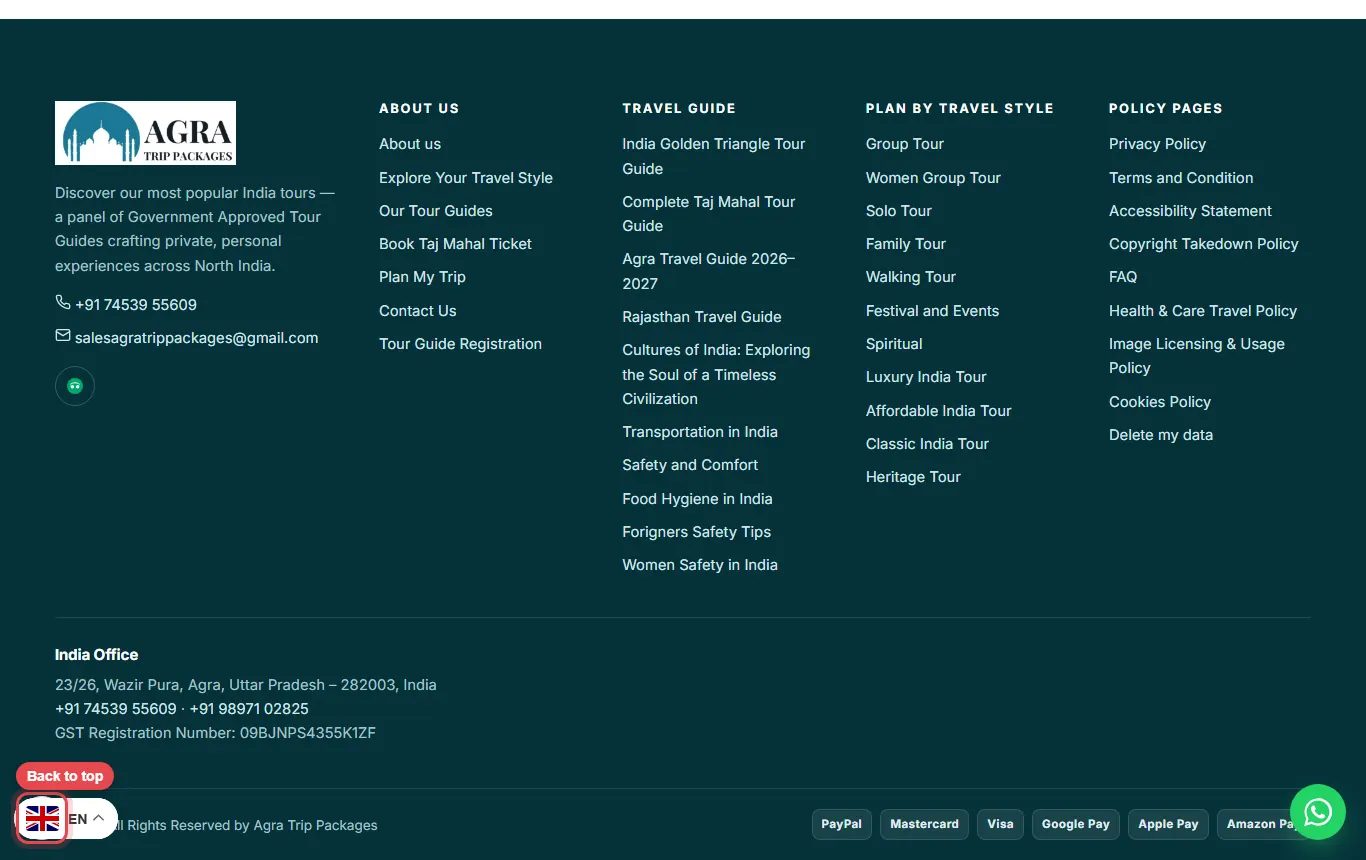
On long pages a round arrow button appears at the bottom left. Tap it to jump back to the top.
On a phone
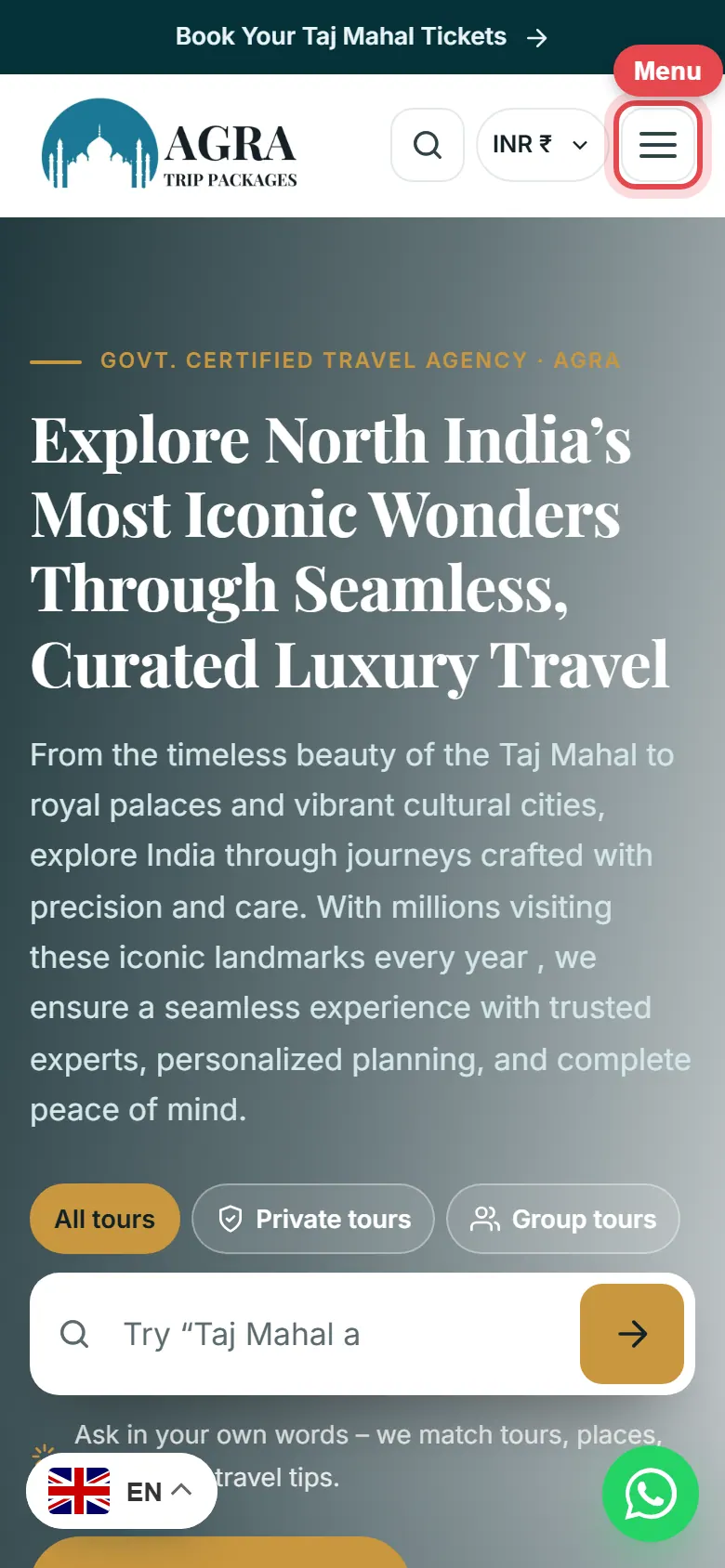
On a phone the menu folds into the ☰ button at the top right. Tap it to open the full menu, with Plan My Trip and Chat on WhatsApp buttons at the bottom.